 Colony Flow!

Colony Flow! Walkthrough
Find your level and watch how the ants clear the picture.
Game screens from Colony Flow!
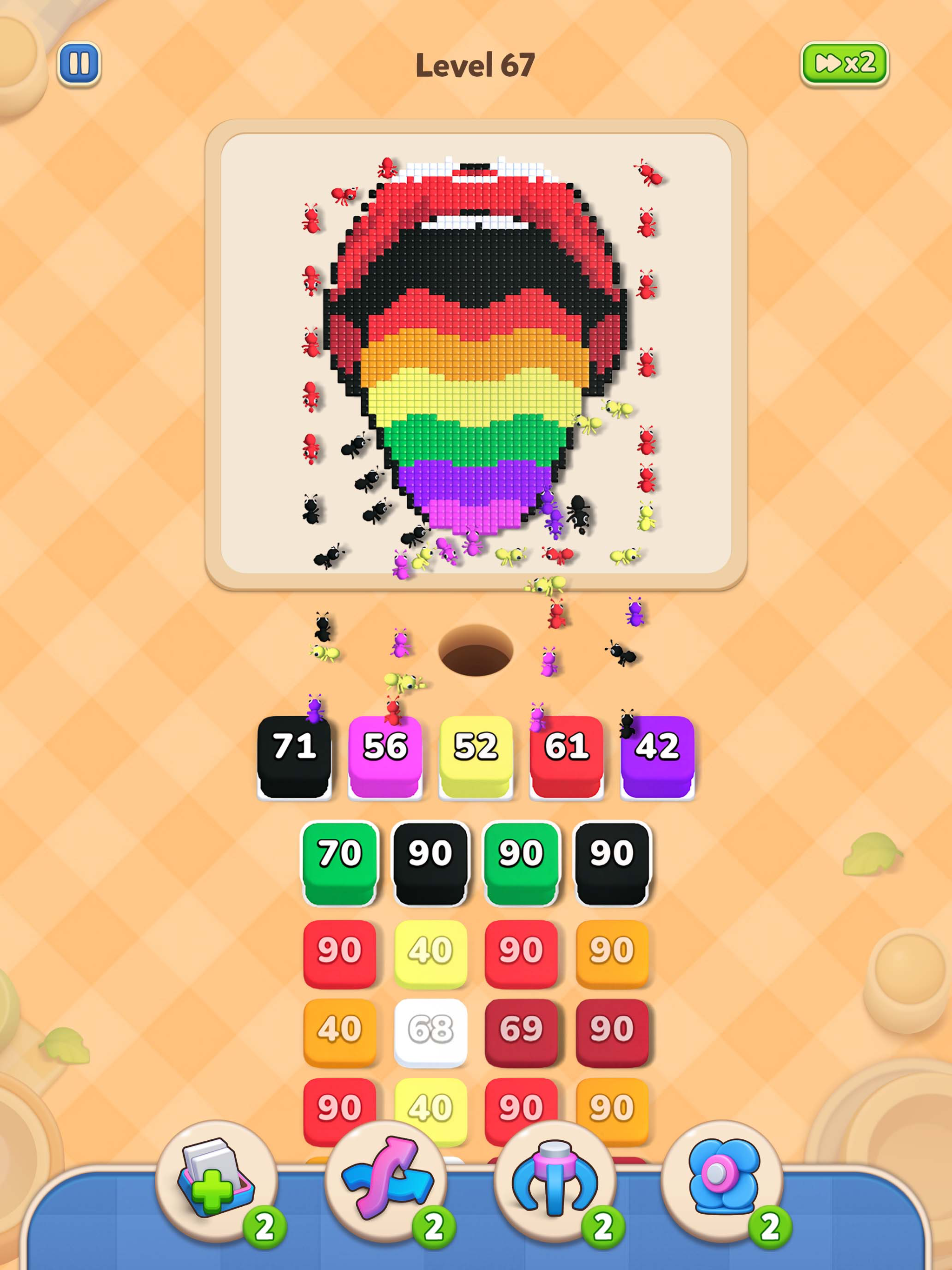
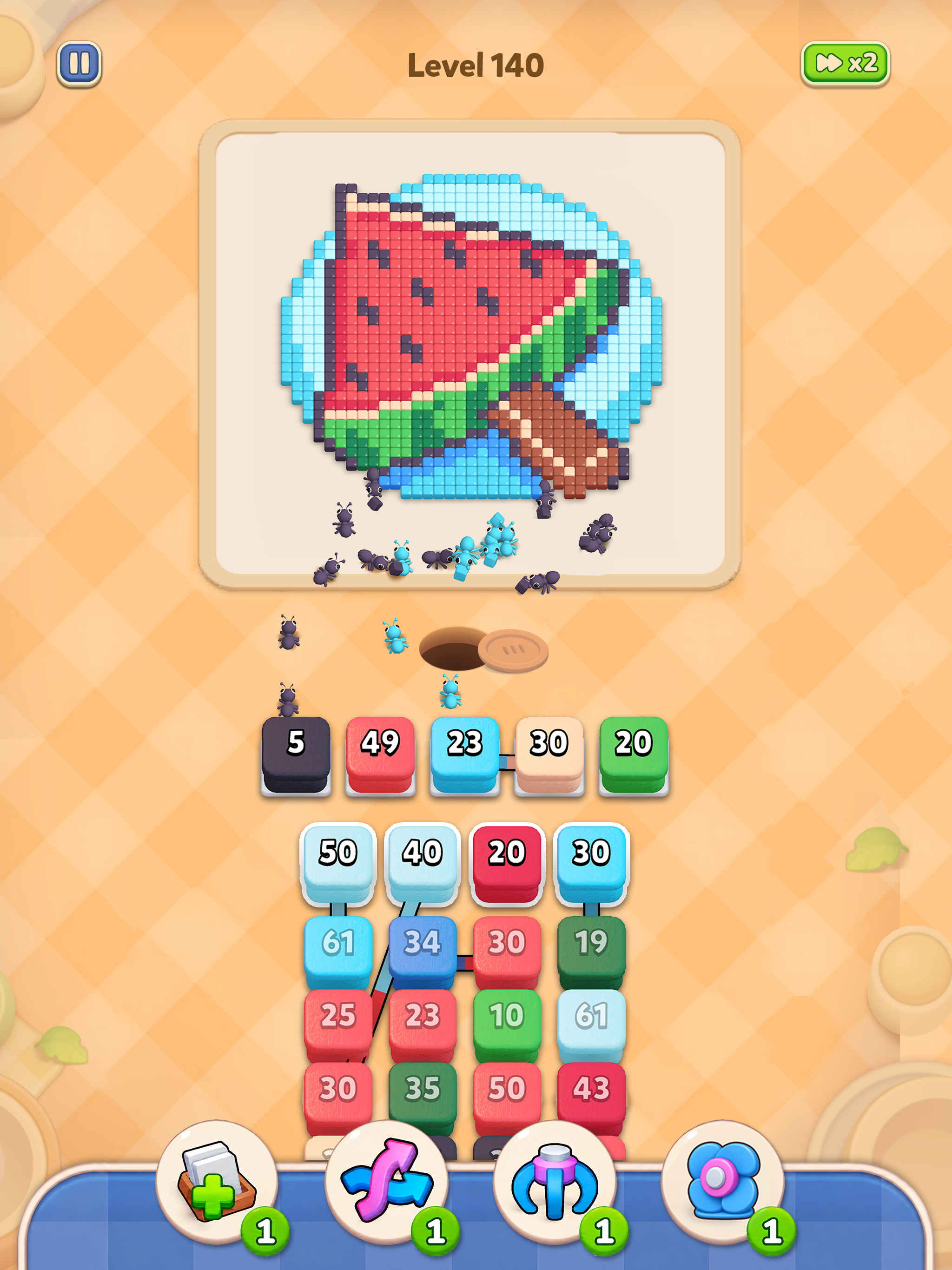
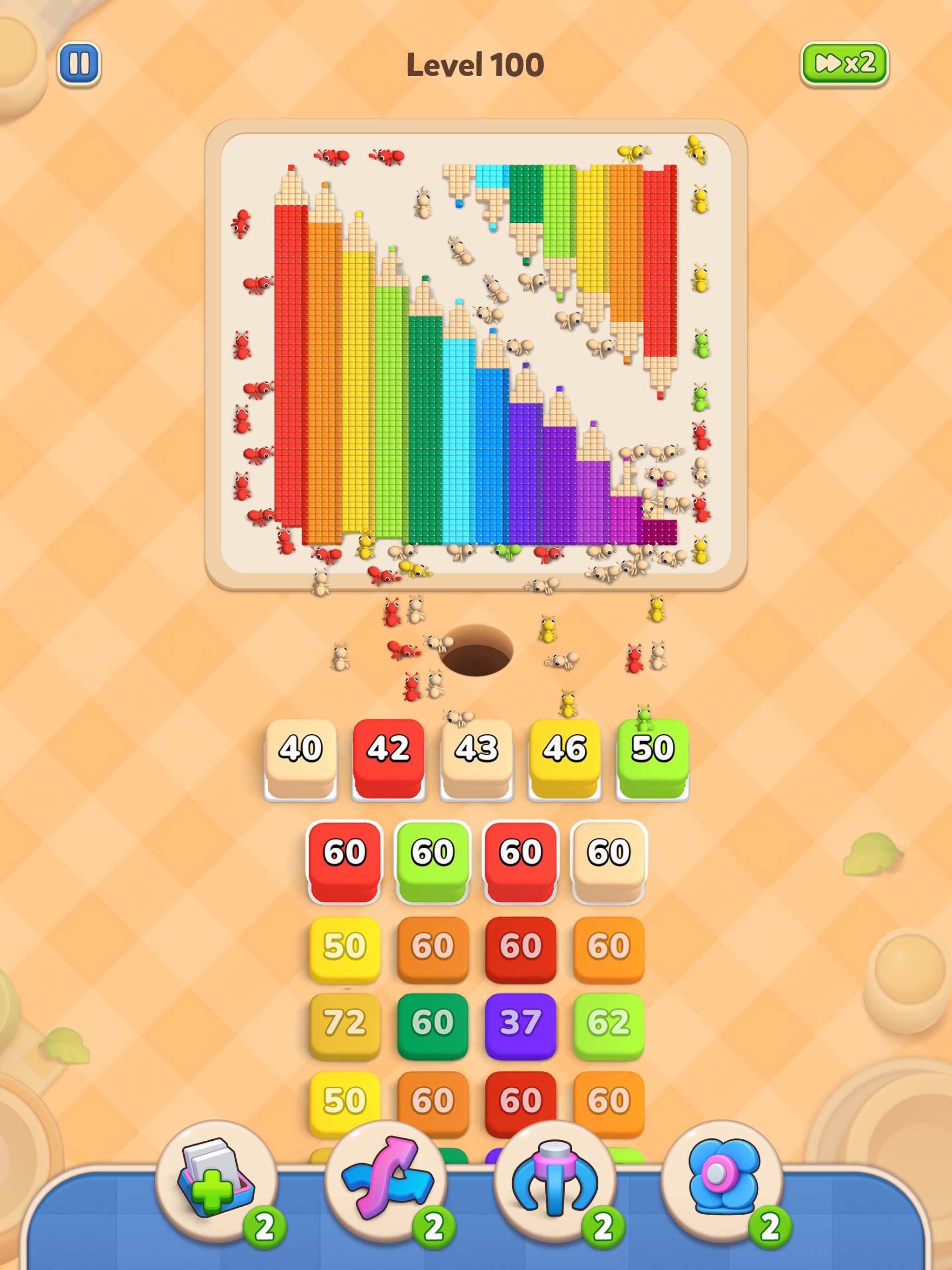
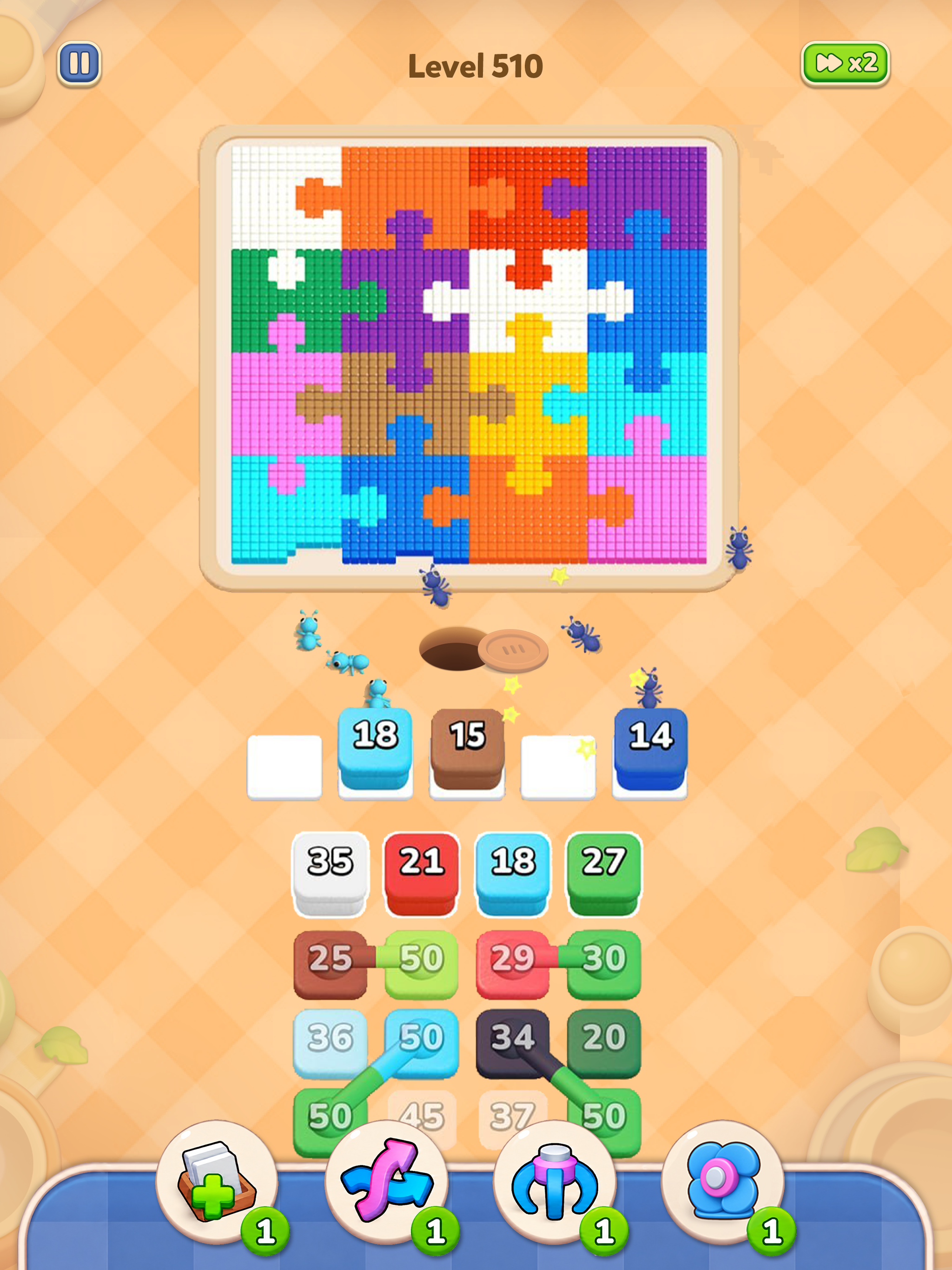
Browse levels
All ranges
Recently updated
About the game
Colony Flow! is a color-matching puzzle by ABI Games. Tap a box to send ants to collect reachable blocks of the same color.
Let a working box finish before using your last free slot. Watch the box counters as the picture opens up.
Browse 2836 video walkthroughs by level number.
- Publisher
- ABI Games
- Platform
- Android, iPhone, iPad
- Guide coverage
- 2836 levels
- Last updated
- Game store
- Google Play
 · App Store
Colony Flow! is a mobile puzzle about sending ants to collect colored blocks from a pixel picture. Find your level above, compare the opening board with the video and use the notes to decide what to send into the five-slot tray first.
Inside the ant colony
ABI Games builds the puzzle around a picture at the top of the screen, a tray in the middle and queues of numbered ant boxes below it. The ants match colors and carry blocks back to the nest, so the moves that matter are the taps that put each box to work. The game is available on Android, iPhone and iPad. The US App Store lists June 13, 2026 as the iOS release date. The guide index counts walkthroughs on this site, so it can help you find a video even if the game on your device already goes further.
The pictures make it easy to identify the stage at a glance. A rainbow, a watermelon or a row of pencils each presents a different arrangement of colors around the working edge. Those outlines affect which box will get moving quickly. Take a second to match the picture and the earliest available group of boxes when a walkthrough opens. Some recordings show a different board at the same level number.
Start with the five-slot rule
An available box takes a space in the tray when you tap it. Worker ants leave that box and collect reachable blocks in their color. The box stays in the tray until its job is done. You can see how close it is to clearing by watching its number. With only five slots, a stalled box can become a problem long before it looks as if the board is full.
Before sending a second or third box, check what the first group pulled away. The next color may be easier to reach after that work finishes. If the matching part is visible but sits behind a different color, clear enough of that outer color to expose it. Compare the current edge of the picture with the front of each box stack. The useful choice is the one that appears in both places and improves what you can do on the next tap.
Read the picture after every change
A thin outline and a large block of the same color do not play the same way. If a live group can collect only a few blocks, it may sit in the tray waiting for an inner patch. A smaller group can sometimes complete its work quickly and return the space before you need to move the next box. Judge the box size alongside the visible color, especially when you have two front boxes in similar shades.
Watch where a gap actually opens. Peeling away the left edge might reveal a new strip on one side but leave the opposite side covered. If only one active counter is decreasing, let that group finish before filling another space. When the picture is almost gone, look for small leftover patches that still match the boxes in the tray instead of opening boxes out of habit.
Handle blocks and linked groups
Some boards hide a box behind another box or show its color as a question mark. A move that clears the current front row can bring that hidden option into view. Deal with the visible prerequisites first. Linked boxes call for a separate check. Look across both stacks, see whether the partners are exposed and make sure your tray has room for the group.
On a tough board, an early move may appear harmless because the matching ant group takes a few blocks. The problem emerges several taps later, when the remaining blocks of that color sit behind a border that you have no space to remove. If you retry, use the point where the first counter stopped as a clue. Compare the order of the moves before the jam and try clearing the border when there is still room to recover.
Use game features where they help
Booster icons sit below the stacks in the store screenshots, and the app offers optional purchases. The kind of tool, its availability and any purchase terms should be read on your device. A tool is easiest to evaluate when you can name the problem, such as a buried front-row option, a stalled color or a tray with no spare space. Notice the board state again after a tool changes it, since the next tap in a recording may have been chosen for a different setup.
The publisher also advertises events with rewards such as coins and boosters. Use the app to see what is active for you. Event progress and the normal level number can be different references when you're looking up a video. The number at the top of the standard board is the best place to start.
Find and follow the right recording
Enter the number in the search box or choose a fifty-level range. The video is embedded on the guide and credited to its uploader. Pause when a box leaves the tray or a hidden color appears. Resume when the matching part of your own picture has reached the same state. If playback runs a little ahead, compare the remaining picture and current counters, which are more useful landmarks than the playback clock on its own.
If a new level opens with a different picture, take a fresh look at your own starting options. Look for a group that can begin collecting at once, keep room for the next revealed color, and hold off on a linked move until you can see every partner. You can use the neighboring pages and the tips guide to keep working through the same kind of jam.
Frequently asked questions
What do I do in Colony Flow!?
Tap an available numbered ant box to place it in a working slot. The ants collect matching blocks from the accessible edge of the pixel picture. Clear the picture by choosing boxes in an order that keeps the colony working. Look at the remaining colors and the available boxes together before you spend an open slot.
How many slots are there?
The regular board starts with five working slots. An occupied slot stays occupied while its box still has work to do. If all five are busy, wait to see whether a box finishes and leaves a space. The dangerous position is a full tray where none of the active colors can make progress.
What does the number on a box mean?
It shows the amount of work attached to that group of ants. Watch the number on a working box tick down as its matching blocks are collected. If two available boxes are the same color, compare their sizes and the accessible supply before choosing one. You may only need a smaller group to uncover the next useful color.
Do I have to steer individual ants?
For the basic puzzle, you choose the boxes. Once ants are released, they travel and collect automatically when they have matching blocks to take. Use the time between taps to see which counters are dropping. If the ants are already collecting a color, wait for the edge of the picture to change before reassessing.
Are all layouts the same across updates?
A level number can point to different pixel pictures in different recordings and game builds. Use the picture, the front boxes and their numbers to match the board before copying the order. If the first box in the video is missing from your game, start from your own exposed colors and use the video for the general idea.
Is Colony Flow! free to download?
Both mobile store listings offer the game as a free download. The listings also show in-app purchases, and Google Play lists ads. The store on your device provides current prices and availability. If a prompt offers a paid item, check its description and cost before deciding to use it on the current board.
How many levels are there?
The level index shows how many video guides are available here. The number printed in the mobile game tells you where you are in your own copy. The two numbers describe different things, and new app versions may extend or redraw parts of the level list. Use the jump box for a specific number.
What should I report if a video does not match?
Include the level number, your app version, and a short description of the opening picture and front boxes when you contact the guide. That makes it possible to distinguish a changed level layout from an incorrect number. If playback itself fails, try the linked YouTube source and tell us whether it opens there.